PhulaxDownload Now

Dawn

Someone is already awake with you.

Phulax keeps watch, even when you are not thinking about it.
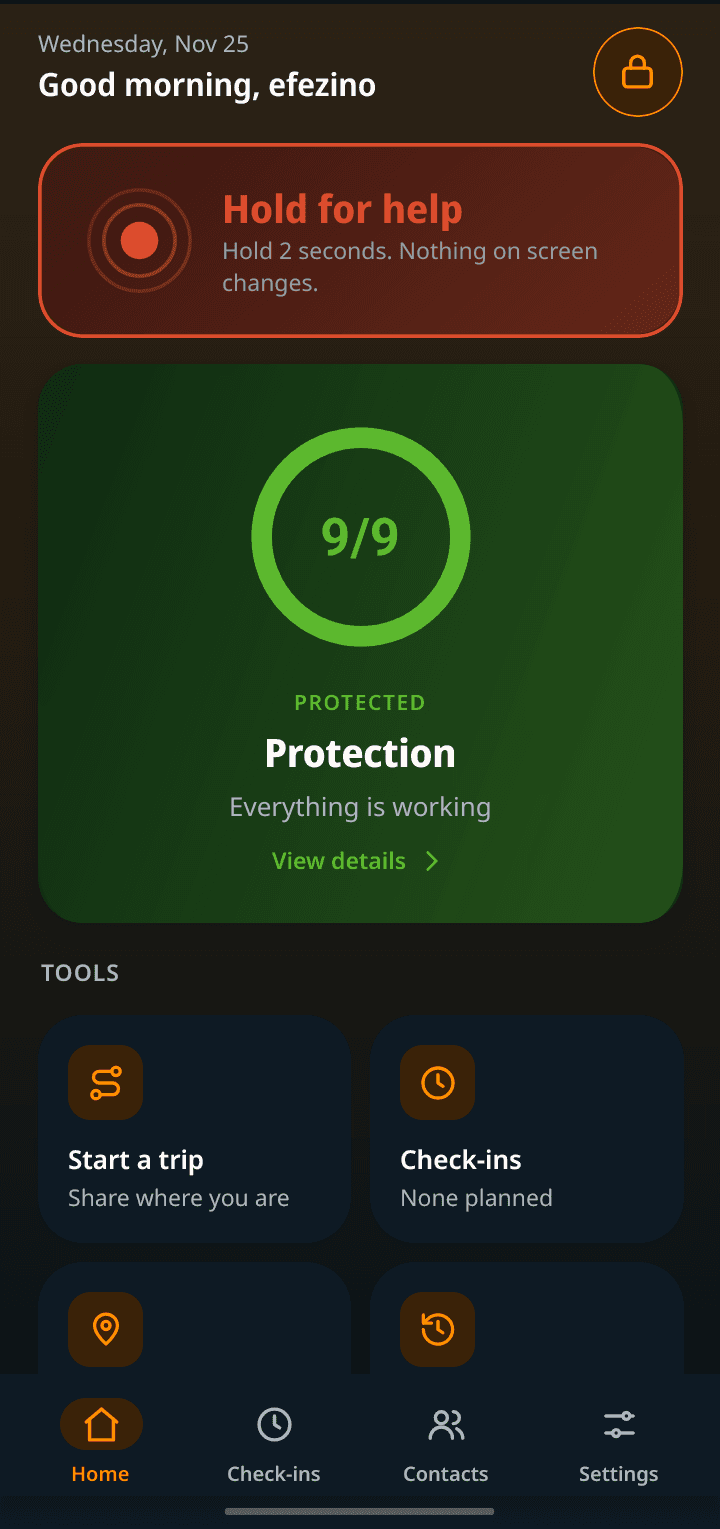
The Phulax home screen in its Protected state, with a greeting, the protection status and the hold button.
Home, when everything is protected.

Leaving the house

You lock the door and go, the way you always do.

Your phone looks like a phone. Home is marked as a safe place.

Before the day starts, Phulax checks that protection is on. If something needs fixing, it says so now, not later.
The startup check, reading Nothing needs fixing today, with the safe places set up.

In the open

If you need help, it can look like nothing.

Hold the screen for two seconds. On Android, a widget on your home screen does the same.

Nothing turns red. Nobody nearby needs to know what you are doing.

Get the Android app. Download Now.

Try it

Demo only. This page sends nothing.

  • Hold on the screen Two seconds
  • Home-screen widget Android
  • Quick Settings tile Android
  • Notification action Android

The long errand

You said you would be there by four.

Share the trip before you leave. If you are not there when you should be, the people you named already know to ask.

Check-ins run on the server, not on the battery of one phone. If one is missed, the people you named are told.
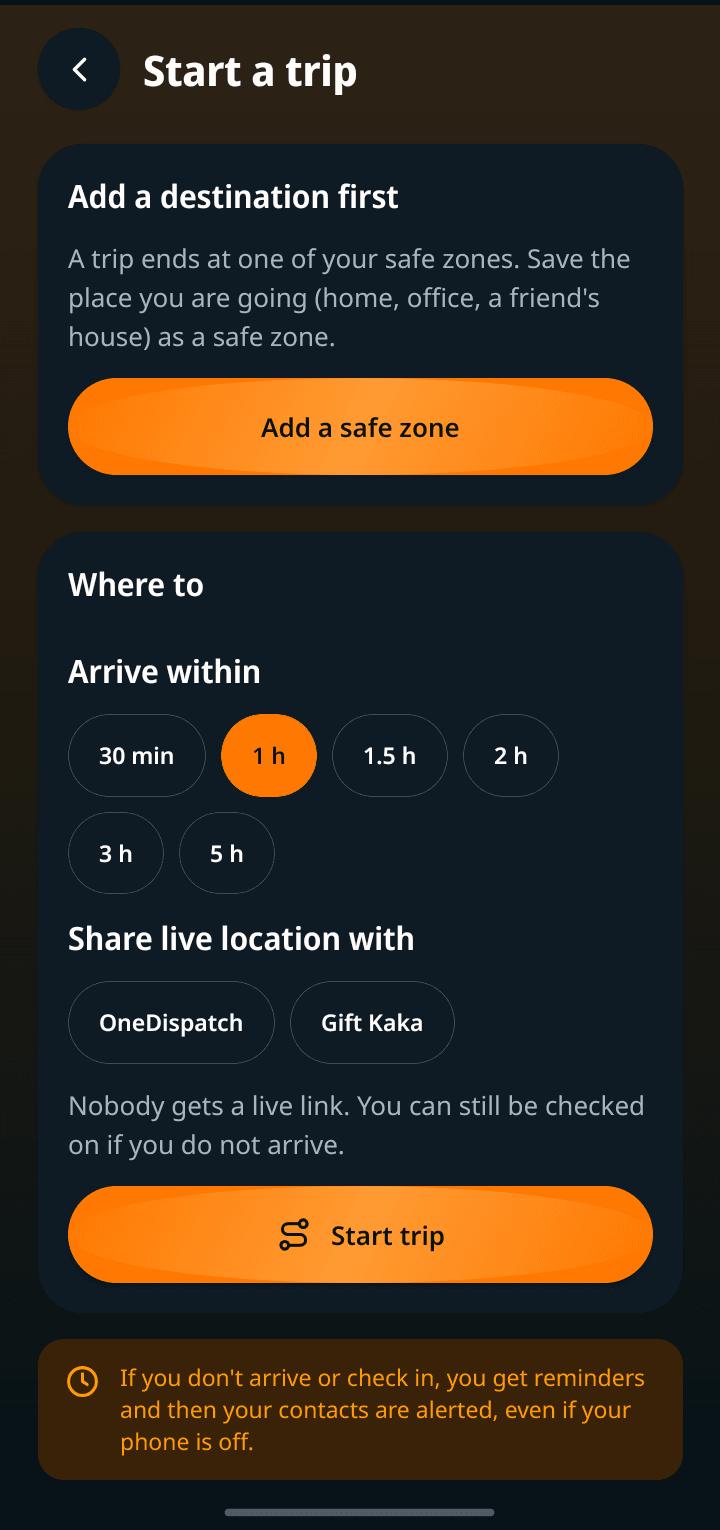
Trip sharing with an expected arrival time.

Dusk

When the light goes, the message still leaves.

Alerts go by push, text message, WhatsApp and a voice call.

Contacts without the app get a private link. It shows your live location trail, status and guidance. It is not a public map.

Night

The phone can be taken. The record cannot.

Your location trail and a short recording leave the phone, held for the people you named.

On Plus, on Android, you are told if the same device keeps turning up where you have been. This is a beta feature.
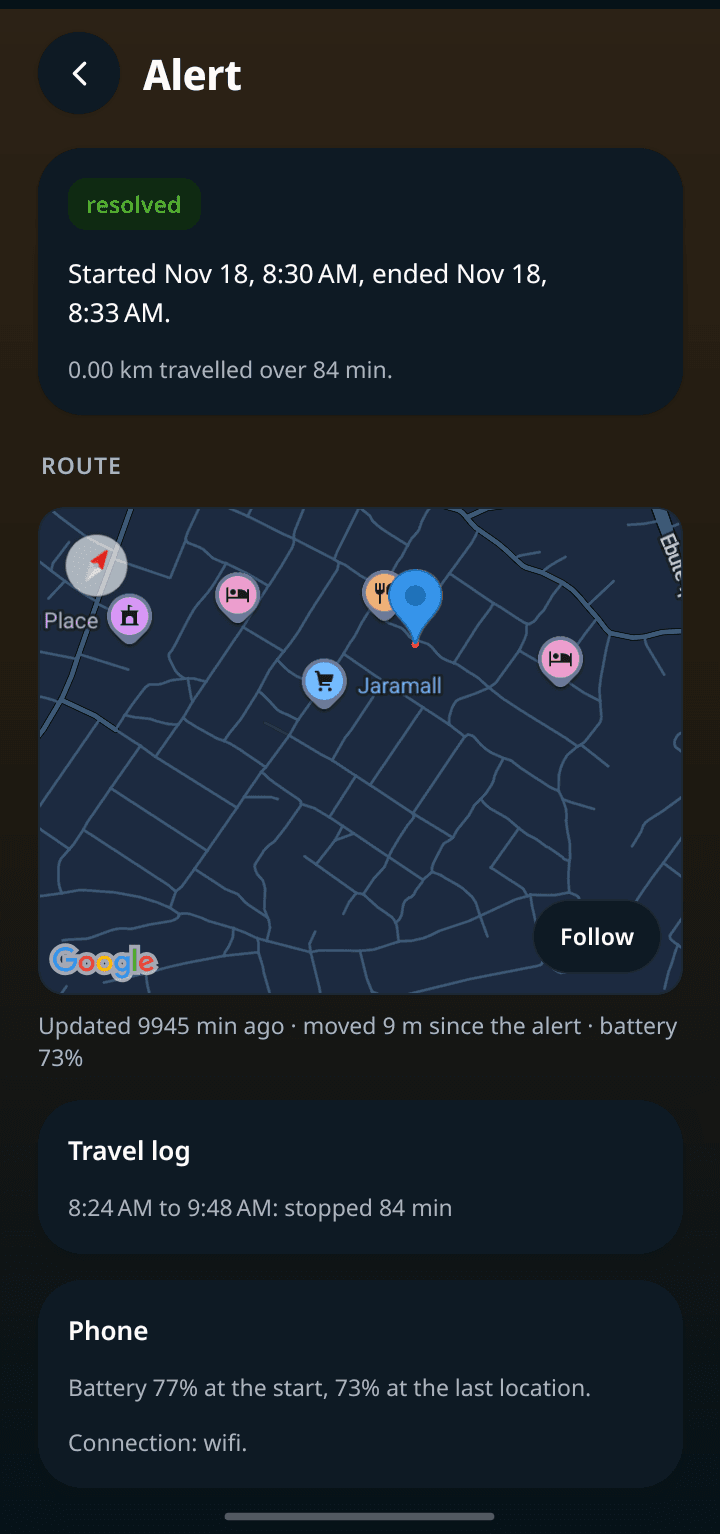
A contact's evidence view: the location trail, and an audio clip marked Held.

Midnight

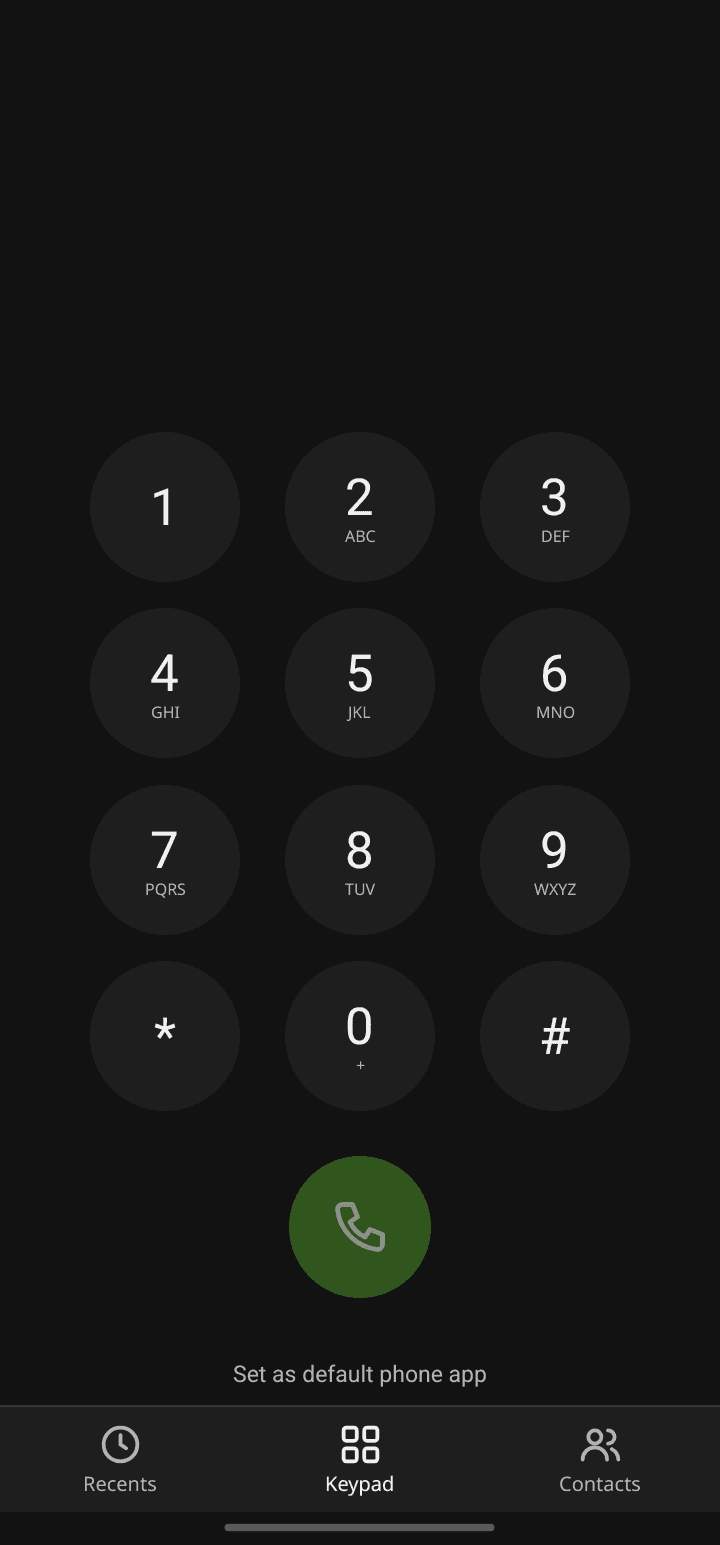
The duress PIN looks like a call that did not connect.

Your real PIN opens the app. The duress PIN clears the screen and sends for help without a sound. Try both below.

Try it

Type a PIN between * and #, then press call. Two work here: *1234# and *4321#.

Nothing has been checked yet.

Demo only. This page sends nothing.

Phulax will not promise the police. It will not track you for a partner. It will not show your trail to anyone you did not name.

Android first. iPhone is planned.

Questions

Does it drain my battery?

We have not measured a full day on real phones yet, so we will not give a number. What it uses depends on what you are doing. Inside a safe zone your location is checked every 10 minutes. When you are moving it is checked every 90 seconds, on a trip every 30 seconds, and during an alert every 10 seconds. Listening for a panic word uses the most, so it runs only when you choose: during trips, in the evening, or always. If your phone stops Phulax in the background, the app tells you.

Does it use my data or airtime?

Your phone uses a little mobile data to send location points, and more during an alert, when it also uploads short recordings. Alerts to your contacts go out from our servers by push, text, WhatsApp and voice call, so they cost you no airtime. If your phone cannot reach our servers when you raise an alert, Phulax opens a text to your contacts with your location, ready to send from your SIM at your normal rate. You can turn that off in Settings.

What if I press it by mistake?

There is a short grace period, 10 seconds unless you change it, before your contacts are alerted. Cancel with your PIN in that time and nothing is sent. Recording and tracking start straight away, so nothing is lost if the alert is real. If your contacts were already alerted, marking yourself safe tells them you are safe.

What if my phone is switched off or taken?

Phulax notices when your phone goes quiet. On a trip, 45 minutes without a location alerts your contacts. Outside a safe zone, two hours without one does too. A check-in you miss alerts them as well. Your contacts get the last place your phone reported.

Do my contacts need the app?

No. A contact gets a text or WhatsApp message with a private link to your live location, your status and what to do. The link stops working 72 hours after the alert ends. Recordings are only for the contacts you allow to hear them, and each one first enters a code we text to their own number.

Can someone use Phulax to track me?

Phulax is built so it cannot be used to watch someone in secret. It runs only on the phone of the person it protects, who sets it up and holds the PIN. A contact must accept the invitation, and sees nothing of your location until there is an alert or a trip you share with them. Even then, they see only that alert or trip.

What does it cost?

Free covers the protection itself: every SOS, the duress PIN, the grace period, live view for your contacts and evidence export. Plus is ₦1,500 a month, coming at launch. It adds more contacts (5 instead of 3), more safe zones (10 instead of 1), trips to a destination and check-ins, a panic word, follower detection, and control over how long audio is kept after an alert.

When is it on iPhone?

Android comes first. iPhone is planned, but there is no date yet.

Who can see where I am?

Only the people you name. A contact without the app gets a private link to your live trail, status and guidance. It is not a public map.